HR Software for Skilled Nursing Facilities

Managing staff across five disciplines, multiple floors, and shifting schedules requires more than a spreadsheet and a filing cabinet. LTC Apps gives skilled nursing facilities HR software that keeps every staff record, access level, and HR document organized in one place and connected to the rest of the platform your team already uses every day.
HR software for skilled nursing facilities helps SNF administrators and Directors of Nursing manage staff records, control module access levels, store employee documents, and connect staff information across every operational system in one platform. LTC Apps HR Management is a native module built directly into the LTC Apps platform. Administrators can add new staff members, assign role-based access to control which modules each employee uses, upload and review HR documents per employee, and make every staff record immediately available across scheduling, broadcasts, and all other LTC Apps modules without re-entering information in a separate system. It is nursing home HR management software that works the way SNF staffing actually works.
Download Brochure
Download Now to learn more about how LTC Apps can transform your operations and help you focus on what matters most caring for your residents.
Our Services
What Happens When SNF HR Runs on Paper and Spreadsheets?
Most skilled nursing facilities manage staff information across a combination of paper files, spreadsheets, and separate HR systems that were never designed to talk to each other. The admissions coordinator has one list of staff. The scheduling coordinator has another. The DON keeps credential records in a filing cabinet. Nobody has a single, accurate, up-to-date view of the entire staff.
The problems that come from this are predictable. A new staff member gets added to the scheduling system but not to the HR records. Someone accesses a module they should not have because access levels are not properly managed. A credential expires and nobody catches it because there is no central tracking system. During a survey, the administrator has to scramble to pull records from three different places because there is no organized employee document management system.
For small and mid-size skilled nursing facilities, these are not edge cases. They happen regularly and they create real compliance risk, operational confusion, and administrative burden. Nursing home HR management software that connects staff records to every other system your facility uses eliminates these problems at the source rather than creating more manual processes to work around them.
Key Features of Our
HR Management Works?
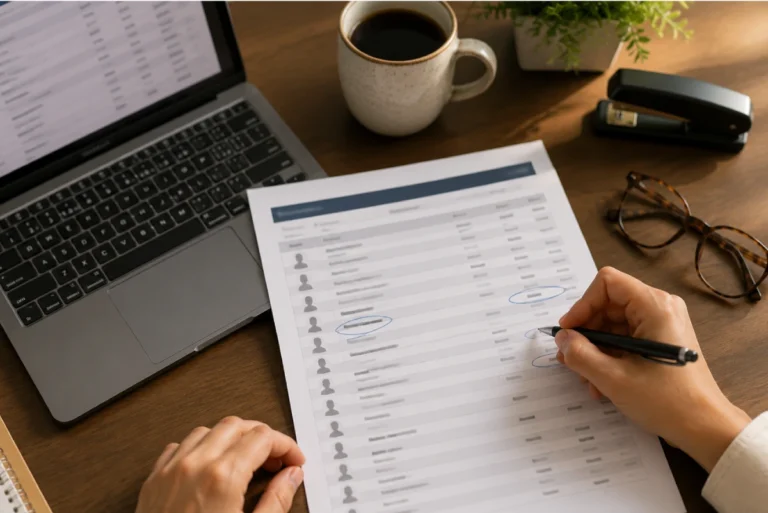
LTC Apps gives your facility a complete, searchable directory of all staff. Every record shows the staff member’s name, user code, photo, access level, discipline, and working type so your administrators and DON always have a clear picture of who is on staff, what they do, and what level of access they have in the system.
The SNF staff directory software inside LTC Apps includes the following:
- Column view showing User Code, Username, Email or Phone Number
- Filter by All Types, All Discipline, and All Status to find specific groups of staff instantly
- Search bar for instant lookup by name or record details across the entire staff list
- Add New Staff to create a new employee record with all required fields
- Staff List download to export the full directory to Excel for reporting or auditing
- Go To Pay Check Staff to navigate directly to payroll-related management for any staff member

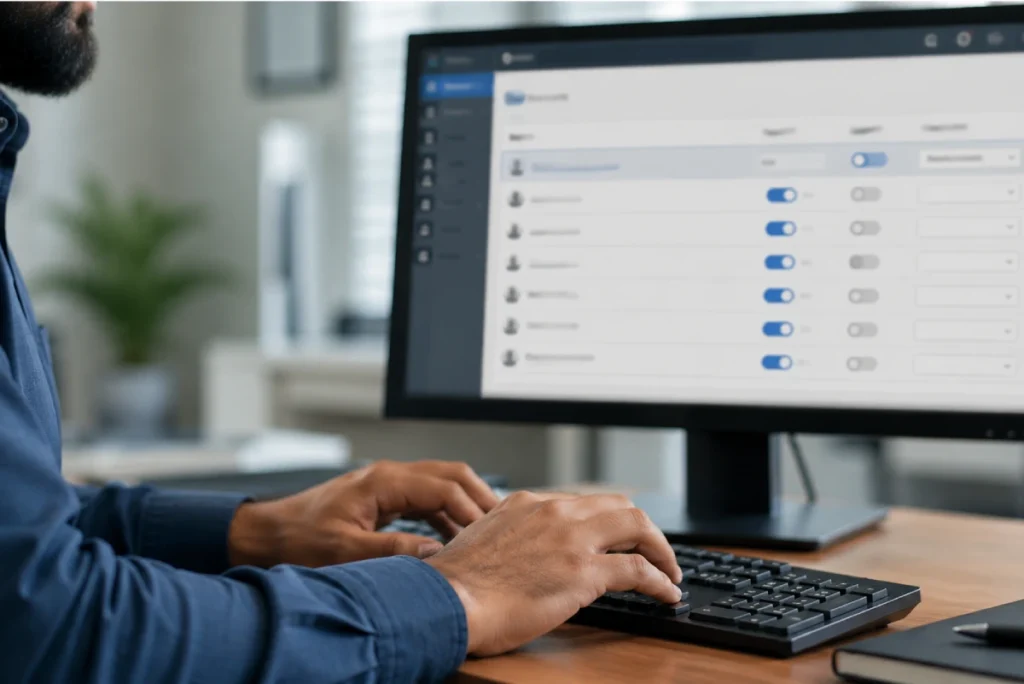
Not every staff member needs access to every module. Your admissions coordinator does not need access to maintenance management. Your housekeeping staff does not need access to medical code analysis. LTC Apps access level management lets your administrator assign the right level of access to each staff member so they see only the modules relevant to their role.
Nursing home access control software inside LTC Apps works like this:
- Assign appropriate access levels to each staff member when creating or editing their record
- Each staff member logs in and sees only the modules they have been given access to
- Access levels can be updated at any time when a staff member changes role or responsibility
- Role-based access control means sensitive modules like HR and billing are only visible to the staff members
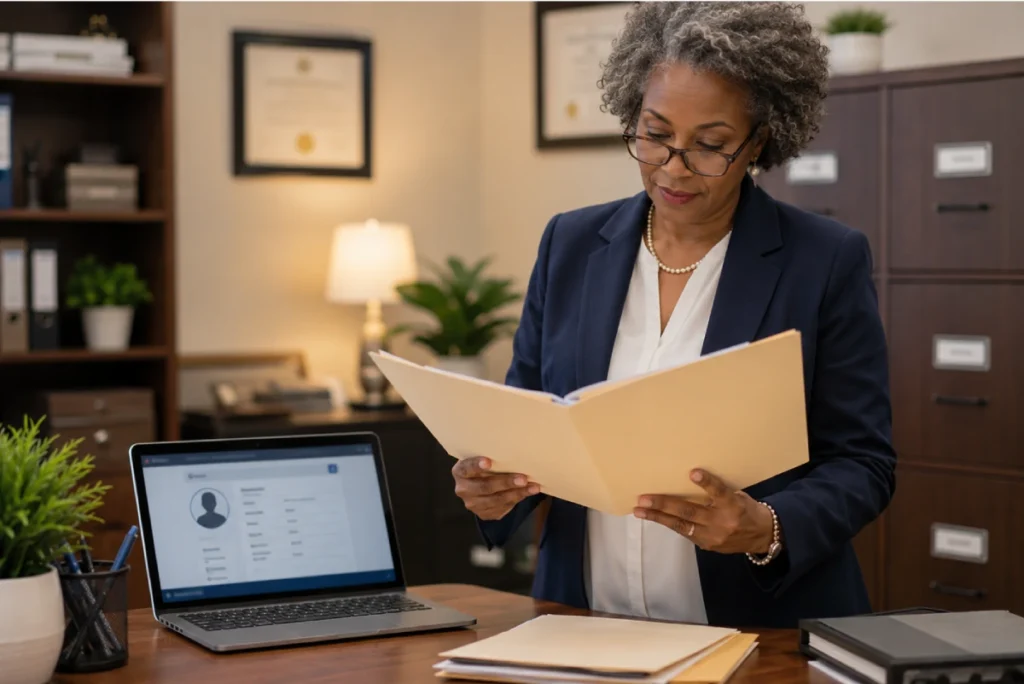
Every staff member in a skilled nursing facility has HR documents that need to be stored, tracked, and accessible when needed. Credential records, certifications, employment agreements, and compliance documents cannot live in a filing cabinet when a surveyor asks for them or when a DON needs to verify a credential before scheduling someone for a shift.
SNF employee document management inside LTC Apps includes:
- HR files stored per staff member directly in their employee record inside LTC Apps
- Upload documents to any staff member's record and review them at any time from the same platform
- Designed for onboarding documents, certifications, and HR files per staff member
- Designed for onboarding documents, certifications, and HR files per staff member
The most important thing about LTC Apps HR management is that it does not exist in isolation. Every staff member added to HR is immediately available in Staff Scheduling, Staff Broadcasts, and every other LTC Apps module that uses staff records. Your team enters information once and it appears everywhere it is needed without manual transfers or duplicate data entry.
Platform integration inside LTC Apps HR works like this:
- Staff added in HR are automatically available in the Staff Scheduling module for shift assignments
- Staff records are available in Staff Broadcasts for facility-wide and targeted communication
- Access levels assigned in HR control what each staff member sees when they log into LTC Apps
- No re-entering staff information in multiple systems and no risk of records being out of sync
Stop Fixing Staff Information in Multiple Places
The core problem with managing HR in a spreadsheet or a separate system is that the information lives somewhere your scheduling coordinator cannot see, your DON cannot access from the nurses station, and your administrator cannot pull up during a survey without digging through a filing cabinet. LTC Apps staff management software for skilled nursing facilities solves this by making every staff record a single source of truth that every module in the platform draws from.
When you add a new CNA to LTC Apps HR, that staff member is immediately available in the scheduling grid for shift assignments. Their access level is set once and controls exactly what they see when they log in. Their HR documents are in their record, accessible from the same platform where everything else happens. When a surveyor asks for credential records, your DON pulls them up in seconds rather than spending thirty minutes searching through paper files.
This is what long term care HR software should do. Not just store records in a separate system, but connect those records to every operational workflow your facility runs so the right information is always in the right place at the right time.
Who Uses LTC Apps HR Management
LTC Apps HR management is used by three main groups inside skilled nursing facilities.
SNF Administrators who need a complete, searchable view of every staff member across all disciplines and floors, with the ability to manage access levels and pull HR documents quickly during audits or surveys without relying on paper filing systems

Directors of Nursing who need to verify staff credentials before scheduling, track which staff members have specific certifications or working types, and access employee records from the same platform they use for scheduling and clinical operations rather than a separate HR system

HR Managers and Office Managers at skilled nursing facilities who handle employee onboarding, document collection, and record maintenance and need nursing home employee management software that keeps all of that organized in one place and connected to the operational systems the rest of the facility uses

Whether your facility has 30 staff members or 300, LTC Apps HR management gives your team a structured, organized system for managing staff records that works the way skilled nursing facilities actually operate.
Get Started Today
with LTC Apps HR Management request a free demo.
OUR SIMPLE HR MANAGEMENT PROCESS
How LTC Apps HR Management Works in 4 Steps?
Getting your facility’s staff records into LTC Apps follows four straightforward steps.
01. Add Staff
Create a new employee record with the staff member’s name, user code, email or phone number, discipline, and working type. Required fields are clearly marked and the record appears immediately across the entire platform.
02. Set Access Levels
Assign the appropriate access level for each staff member to control which LTC Apps modules they can see and use. Access levels can be updated at any time when a staff member changes role.
03. Manage Documents
Go to the staff member’s record, select the employee, and upload or review HR files and documents. Everything is stored in one place and accessible from the same login your team uses for all other modules.
04. Use Across Platform
The staff member is now available in Staff Scheduling for shift assignments, in Staff Broadcasts for communication, and in all other LTC Apps modules that use staff records. No re-entering information and no syncing between separate systems.
Works Better Alongside These LTC Apps Modules
HR Management connects naturally with other parts of the LTC Apps platform. Used together, these modules give your facility a complete staff management and communication workflow in one place.
Staff Scheduling
Staff records added in HR are immediately available in the scheduling grid for shift assignments across all disciplines, floors, and pay periods without any manual data transfer between systems
Staff Broadcasts
Every staff member in HR is available for facility-wide and targeted broadcast messages so your team can communicate with all staff or specific disciplines instantly using the same staff records that HR manages
Admissions and Patient Intake
When a new resident is admitted, the admissions coordinator who handled the intake is already in the system through HR so every action is tied to the right staff member without any additional setup
Using these modules together means your staff records are the foundation that every other operational workflow in LTC Apps builds on. Add a staff member once and they are available everywhere your facility needs them.
BENEFITS & ANSWERS
Frequently Asked Questions About Admissions
LTC Apps HR management includes a searchable staff directory with complete employee records, role-based access level management that controls which modules each staff member can use, employee document management for storing and reviewing HR files per staff member, and full integration with Staff Scheduling, Staff Broadcasts, and all other LTC Apps modules. All of this is accessible from the same login your team uses for every other part of the platform.
When you add a new staff member to LTC Apps, you assign them an access level that controls which modules they can see and use when they log in. A CNA might have access to their schedule and broadcasts only. A billing coordinator might have access to eligibility verification and medical code analysis. An administrator might have access to everything. Access levels can be updated at any time when a staff member changes role or responsibility.
Employee documents are stored directly in each staff member's record inside LTC Apps. You go to the HR module, select the staff member, and upload or review their HR files from that record. Documents are accessible from the same platform your team uses for scheduling, admissions, and all other modules. There is no separate document storage system and no filing cabinet to search through when you need a credential record quickly.
Yes. LTC Apps is used by both single-facility skilled nursing facilities and multi-facility groups. For organizations managing multiple buildings, staff records are managed per facility so each location maintains its own directory, access levels, and document records while leadership has visibility across the organization.
Every staff member added to LTC Apps HR is automatically available in the Staff Scheduling module for shift assignments. There is no manual transfer of staff information between HR and scheduling and no risk of the two systems being out of sync. When you add a new CNA in HR, they appear in the scheduling grid immediately and can be assigned to shifts across any discipline, floor, or pay period without any additional setup.
No. Every staff member accesses LTC Apps with a single login. Their access level determines which modules they see when they log in. Administrators access HR management, scheduling, and all other modules from the same login. CNAs access their schedule and broadcasts. There is no separate portal for HR and no extra credentials required for any module.
CONTACT US NOW
See How LTC Apps Handles HR Management for SNFs
Managing staff records across paper files, spreadsheets, and separate systems creates exactly the kind of administrative burden and compliance risk that skilled nursing facilities cannot afford. LTC Apps gives your facility HR software that keeps every staff record, access level, and HR document organized in one place and connected to the scheduling, communication, and operational modules your team already uses. Add a staff member once and they are available everywhere your facility needs them.

Book a free demo today and see how LTC Apps can simplify staff management for your skilled nursing facility.