
Admissions and Resident Management for Skilled Nursing Facilities

Your admissions team should not be chasing paper forms, calling nurses to check bed availability, or hunting down missing documents on the day a new resident arrives. LTC Apps gives skilled nursing facilities admissions software that brings the entire resident intake process into one organized digital system.
Admissions software for skilled nursing facilities helps SNF teams manage the entire resident intake process digitally, from collecting patient details and tracking referrals to assigning beds and monitoring required documents. LTC Apps Admissions is a native module built directly into the LTC Apps platform. Admissions coordinators can add new residents using a structured digital intake form, track every referral from first contact to acceptance, assign rooms using a live bed grid, and monitor document completion for every resident, all without paper forms or separate systems. It is resident intake software for SNFs that works the way your admissions team actually works.
Download Brochure
Download Now to learn more about how LTC Apps can transform your operations and help you focus on what matters most caring for your residents.
Our Services
What Happens When SNF Admissions Still Runs on Paper?
Most skilled nursing facilities are still running their admissions process on a combination of paper forms, spreadsheets, and phone calls. It works until it does not. A referral gets lost in an email thread. A staff member forgets to follow up on a missing document. Two coordinators try to assign the same bed because nobody has a live view of availability. A resident arrives and the intake form is incomplete because a required field was skipped.
These are not rare problems. They happen in nursing homes every day, and they have real consequences. Delayed admissions mean empty beds and lost revenue. Missing documents create compliance risks during surveys. Poor referral visibility means your facility loses potential residents to competitors who respond faster. When your resident intake software for SNFs cannot keep up with the pace of admissions, your team ends up doing twice the work to fix problems that should never have happened.
The good news is that every one of these problems is preventable. LTC Apps gives your admissions team a single platform that handles intake forms, referral tracking, bed assignment, and document monitoring in one place. The paper forms, the spreadsheets, and the phone calls to check bed availability all go away. Your team admits residents faster, with fewer errors, and without the daily scramble that comes with manual nursing home admissions management.
How LTC Apps
Admissions Works
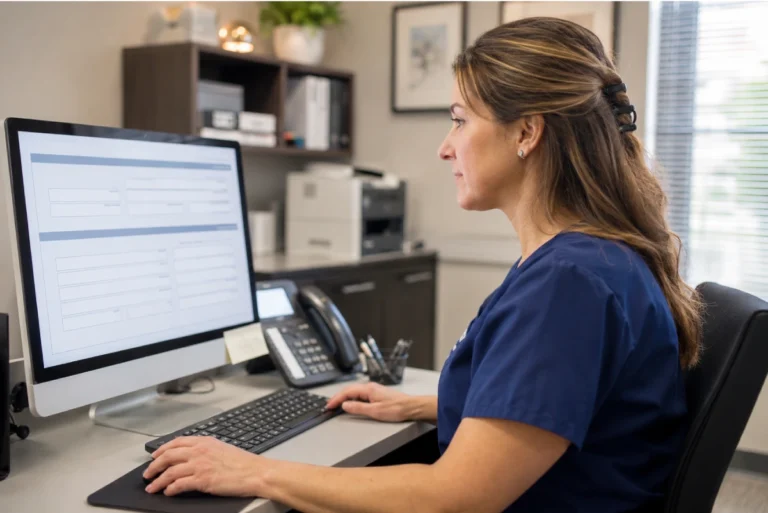
Adding a new resident to LTC Apps starts with a structured digital intake form that your admissions staff can complete in minutes. Every required field is clearly marked and validated before the record can be saved, so incomplete records never make it into the system. The moment a new resident is entered, their record is visible across the entire platform instantly.
The intake form captures the following resident details:
- First Name, Last Name, Date of Birth, Email, Phone, SSN and Address
- Required field validation that prevents incomplete records from being submitted
- Search bar for instant lookup across all existing patient records
- Download full patient list to Excel for reporting and auditing purposes
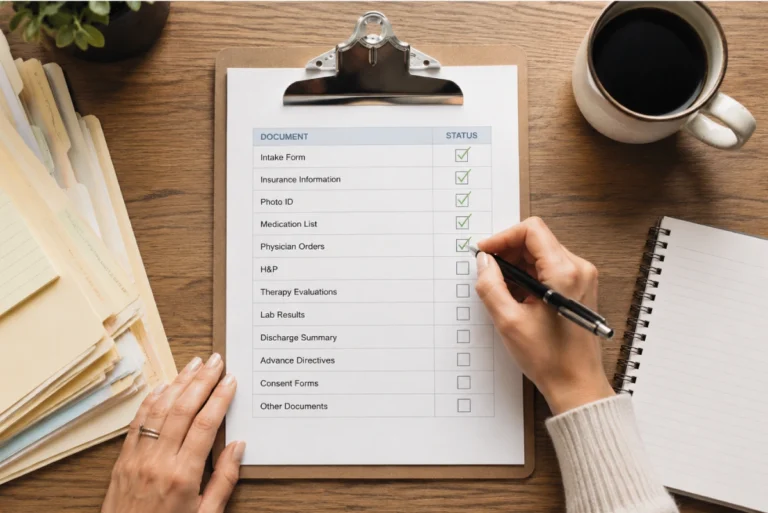
Every resident admission involves a set of required documents. Missing even one of them can create compliance risks, delay care, or hold up reimbursement. LTC Apps tracks document Every resident admission involves a set of required documents. Missing even one of them can create compliance risks, delay care, or hold up reimbursement. LTC Apps tracks document completion for every resident automatically so your admissions team always knows what has been collected and what is still outstanding without checking a separate checklist.
Document tracking works like this inside LTC Apps:
- Each resident record shows a document completion ratio so your team sees progress at a glance
- Staff can identify who has outstanding documents and follow up immediately without searching through paper files
- Required documents are tied directly to each admission record so nothing falls through the cracks
- No paper checklists and no relying on memory to track what has been received from each resident
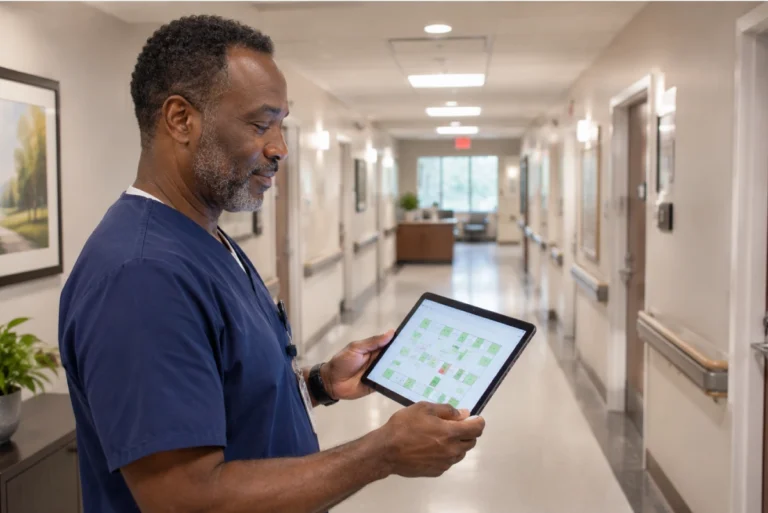
Finding an available bed used to mean walking the floor, checking clipboards, and calling nursing staff to see which rooms were actually open. LTC Apps replaces all of that with a live visual room grid that shows your entire room inventory on one screen in real time. Your admissions coordinator can find and assign a bed in seconds without leaving their desk.
The bed management software for SNF teams inside LTC Apps works like this:
- Click Find Room to open the live room grid filtered by floor and room size
- See all available beds in real time without asking anyone or walking the building
- Select the right bed and confirm room placement in seconds
- Room assignments update instantly across the platform so every team member sees the same information
Most SNF residents come through referrals from hospitals, rehabilitation centers, and other care facilities. Managing those referrals manually means things get lost. A case manager calls and nobody writes it down. A referral sits in someone’s email and the bed goes to a competitor. LTC Apps gives your admissions team a clear, organized view of every referral from first contact to final admission decision so nothing slips through.
SNF referral management inside LTC Apps includes:
- Log the referring facility, case manager, received time, and referral source for every inquiry
- Track separate clinical and insurance acceptance status for each referral independently
- See the full referral history for any prospective resident in one organized place
- Follow up faster and move referrals to admission decisions before a competitor does

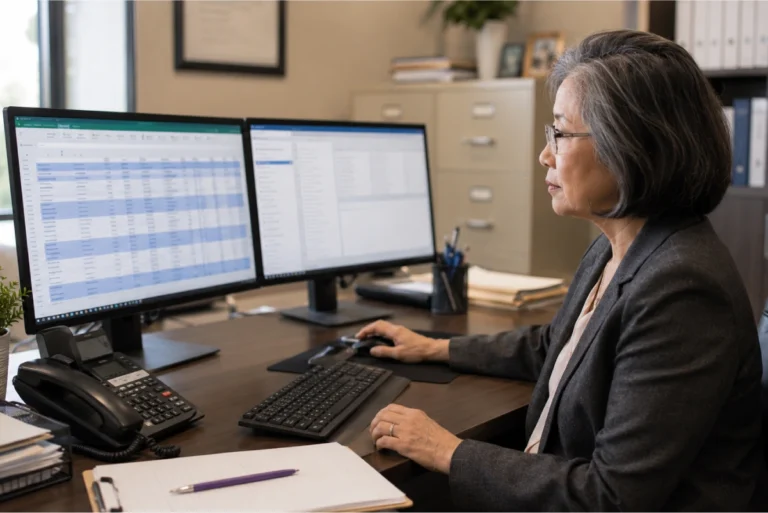
Manage all current and discharged residents in the Resident tab. Upload residents in bulk via a downloadable Excel template.
- Directory: Resident #, Name, Gender, Phone, Payer Type, Room #, Room Type, Status
- Filter by Allocated or Discharged residents
- Sex Offender and Isolation flags for safety compliance
- Bulk resident upload via Excel template
- Download referral list to Excel
Stop Fixing Admissions Mistakes After They Happen
The best time to catch an admissions problem is before a resident arrives, not after their paperwork is already incomplete and their bed assignment is in dispute. When your team is working from paper forms and shared spreadsheets, problems get discovered too late to fix cleanly. LTC Apps is built to help you streamline SNF admissions so that intake is accurate from the start, not corrected after the fact.
Required field validation in the intake form means incomplete records cannot be saved. The live room grid means bed conflicts do not happen because everyone sees the same availability in real time. Document tracking means your team knows about missing paperwork on day one, not the day before a survey when you are scrambling to find it. SNF referral management means every referral that comes in gets logged, tracked, and followed up on before it expires.
These are not small improvements. For a skilled nursing facility that admits 10 to 20 new residents every month, fixing the admissions process means fewer survey citations, faster reimbursement, and more beds filled by residents who came through a referral your team actually tracked and responded to in time.

Who Uses LTC Apps Admissions
LTC Apps Admissions is used by three main groups inside skilled nursing facilities and nursing home organizations.
Admissions Coordinators who need a fast, organized way to process new resident intake, track referrals from hospitals and rehab centers, assign beds, and make sure every required document is collected before admission is finalized

SNF Administrators who want better visibility into the admissions pipeline, fewer compliance risks from missing documents, and a resident intake software for SNFs that reduces the daily workload on their admissions team

Multi-facility groups who need a consistent nursing home admissions management software across all their locations so every building follows the same intake process and leadership can see admissions activity across the organization

Whether your facility admits 5 new residents a month or 50, LTC Apps fits into your existing admissions workflow without requiring your team to learn a completely new way of working.
Get Started Today
with LTC Apps Admissions request a free demo.
OUR SIMPLE ADMISSION MANAGEMENT PROCESS
How LTC AppsHow Patient Admissions Works in 4 Steps?
The digital admissions workflow for skilled nursing facilities inside LTC Apps follows four clear steps every time, whether your team is processing a new referral or admitting a resident who is arriving today.
01. Add the Resident
Staff open the Admissions module, complete the structured digital intake form with all required resident details, and save the record. Required field validation ensures nothing is missed before the record is created.
02. Track the Referral
Log the referring facility, case manager, received time, and both clinical and insurance acceptance status. Every referral stays organized and visible so nothing gets lost and follow-ups happen on time.
03. Assign a Room
Open the live room grid, filter by floor and size, see all available beds in real time, select the right bed, and confirm room placement in seconds without calling anyone or checking a clipboard.
04. Monitor Documents
Each resident record shows a document completion ratio so your team knows immediately who has all required paperwork and who needs follow-up before admission is finalized.
Works Better Alongside These LTC Apps Modules
Admissions connects naturally with other parts of the LTC Apps platform. Used together, these modules give your facility a complete workflow from the moment a referral comes in to the point where a claim goes out.
Eligibility Verification
Run Medicare and Medicaid eligibility checks as part of the intake process so coverage is confirmed before a resident arrives and before a claim is ever submitted
Medical Code Analysis
After a resident is admitted, generate accurate ICD-10 codes for billing without switching to a separate system or re-entering information that is already in LTC Apps
Order and Inventory Management
Connect clinical supply orders for new residents to their admission record so orders and billing stay aligned from day one inside the same platform
Using these modules together means your team handles admissions, eligibility, coding, and supply orders all inside one platform. There is no need to jump between separate tools or worry about information getting lost in the handoff between systems.
BENEFITS & ANSWERS
Frequently Asked Questions About Admissions
The intake form collects the resident's first name, last name, date of birth, email address, phone number, SSN, and address. All required fields are validated before the record can be saved, which means incomplete records cannot be submitted. The full patient list can also be downloaded to Excel at any time for reporting or auditing purposes.
Your admissions team clicks Find Room to open a live visual room grid that shows all available beds across your facility in real time, filtered by floor and room size. They select the right bed and confirm the placement in seconds. The assignment updates instantly across the entire platform so every team member sees the same information without anyone having to make a phone call or walk the building.
Yes. LTC Apps SNF referral management lets your team log every referral with the referring facility name, case manager, received time, and separate clinical and insurance acceptance status. Every referral stays organized and visible in one place so your team can follow up quickly and move referrals to admission decisions before they go elsewhere.
Every resident record in LTC Apps shows a document completion ratio so your admissions team can see at a glance who has all required paperwork and who still has outstanding documents. Staff can identify and follow up on missing documents immediately without searching through paper files or separate tracking sheets. This helps your facility stay compliant and avoids last-minute document scrambles before surveys.
Yes. LTC Apps is used by both single-facility skilled nursing facilities and multi-facility groups. For organizations managing multiple buildings, LTC Apps provides a consistent nursing home admissions management software across all locations so every facility follows the same intake process and leadership has visibility into admissions activity across the organization.
No. Admissions is a native module inside LTC Apps. Your team accesses it with the same login they use for eligibility verification, scheduling, orders, and all other modules. There is no separate portal, no extra credentials, and no additional setup required. Resident information entered in Admissions is immediately available across the entire platform.
CONTACT US NOW
See How LTC Apps Handles Resident Admissions
Paper forms, spreadsheets, and manual bed checks are one of the most preventable sources of admissions errors in skilled nursing facilities. LTC Apps gives your admissions team a straightforward digital admissions workflow for skilled nursing that covers intake forms, referral tracking, live bed assignment, and document monitoring all inside one platform. There is no separate system to manage, no extra login, and no complicated setup.

Book a free demo today and see how LTC Apps can streamline SNF admissions and reduce errors for your facility.