Staff Broadcast Software for Skilled Nursing Facilities
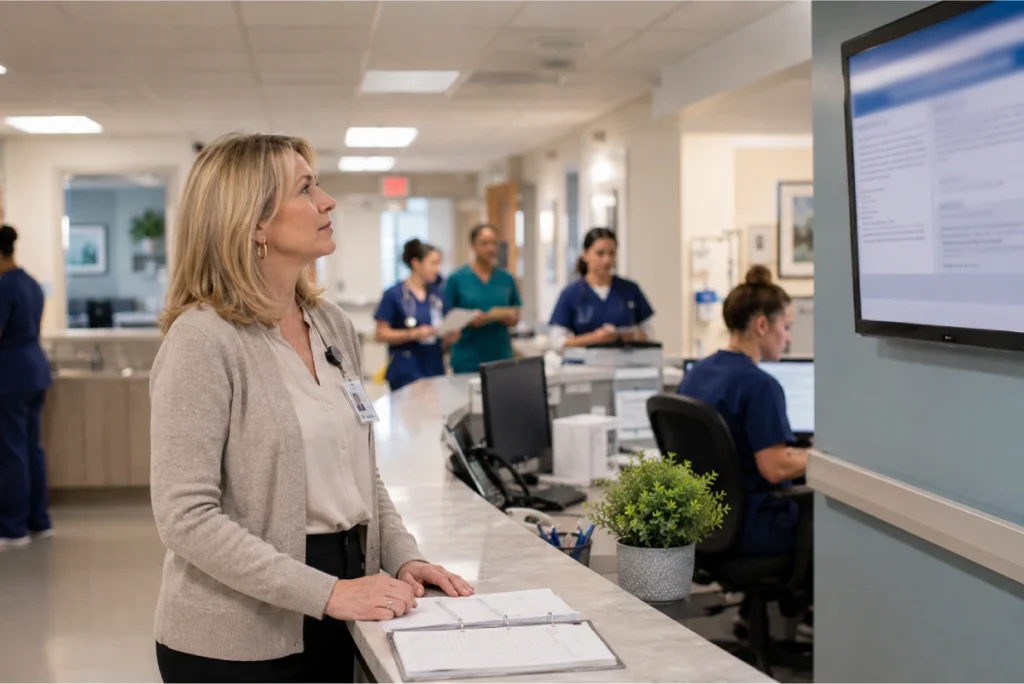
Reaching the right staff members in a skilled nursing facility means knowing which discipline works which shift on which pay period. LTC Apps Staff Broadcasts gives your administrators two focused broadcast tools: a targeted broadcast that reaches a specific discipline, shift, and pay period, and a general broadcast for facility-wide announcements to all staff or selected individuals. Every broadcast is logged with date and status.
Staff broadcast software for skilled nursing facilities helps administrators send announcements to the right staff members at the right time without messaging the entire facility for every communication. LTC Apps Staff Broadcasts is a native module built directly into the LTC Apps platform that gives administrators two broadcast tools. The Shift and Pay Period Broadcast reaches a specific discipline, specific shift, and specific pay period so the right message goes only to the staff members it is relevant to. The General Broadcast reaches all staff or selected individuals for facility-wide announcements. Every broadcast is logged with creation date and status so there is always a record of what was sent to whom and when, all from the same platform your team uses for admissions, scheduling, and HR.
Download Brochure
Download Now to learn more about how LTC Apps can transform your operations and help you focus on what matters most caring for your residents.
Our Services
Why Getting the Right Message to the Right SNF Staff Is Harder Than It Should Be
Staff communication in a skilled nursing facility does not work the way it does in an office. Your team works across five disciplines, multiple shifts per day, multiple floors, and a two-week pay period schedule. A CNA on the night shift does not need to receive an announcement meant for the day shift nursing team. A Housekeeping staff member does not need a message about a scheduling change in the Front Desk department. But in most facilities, staff communication defaults to the most convenient channel available, and that channel reaches everyone regardless of whether the message is relevant to them.
Group text threads become cluttered with messages that do not apply to most recipients. Announcements posted on break room bulletin boards reach whoever happens to walk by before the next shift covers them up. Phone calls from charge nurses to individual staff members during shift transitions eat up time that should be spent on handoff documentation. There is no record of what was communicated, to whom, or when. When a policy change or scheduling update is relevant only to the night shift CNAs on a specific pay period, there is no standard tool in most facilities that can target exactly that group.
SNF staff communication software that allows targeted broadcasts by discipline, shift, and pay period eliminates the noise of facility-wide announcements for messages that are only relevant to part of the team, while still providing a general broadcast option when a facility-wide message is genuinely needed. Both types of broadcasts are logged automatically so administrators always have a record of what was sent.
Key Features of Our
Broadcast Software?
The Shift and Pay Period Broadcast is LTC Apps most targeted broadcast option. Instead of reaching all staff or even all staff in a discipline, this broadcast reaches only the staff members assigned to a specific discipline, working a specific shift, during a specific pay period. A message about a scheduling change affecting night shift CNAs on the current pay period goes only to those CNAs and nobody else.
The SNF shift broadcast tool inside LTC Apps includes:
- Select Primary Discipline: CNA, Nursing, Housekeeping, Laundry, or Front Desk
- Select Pay Period: target a specific payroll cycle from the configured pay periods
- Select Shift: 13 shift options for clinical staff, discipline-specific options for Housekeeping, Laundry, and Front Desk
- Write the message in the free text field and save to send the broadcast to the selected group
- Broadcast logged immediately with pay period, discipline, shift, message, created date, and status
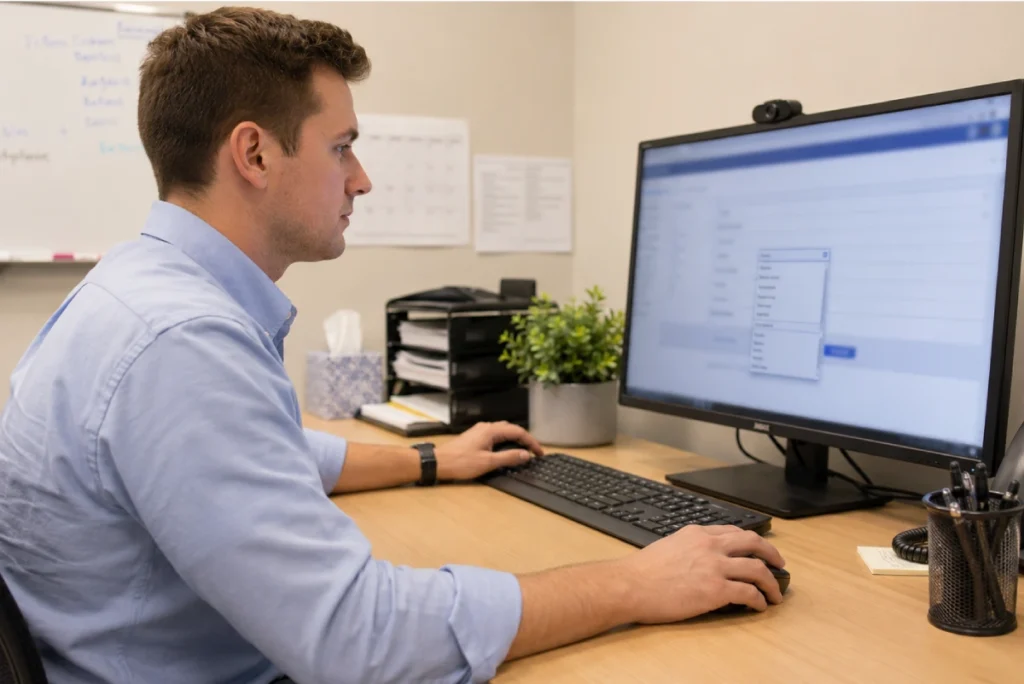
When a message needs to reach the entire facility or a manually selected group of staff members, the General Broadcast provides a straightforward way to communicate without needing to specify a discipline or shift. All staff are shown with checkboxes and all are pre-selected by default. The administrator deselects anyone who should not receive the message and writes the announcement in the free text area.
The nursing home staff announcement system inside LTC Apps includes:
- All staff displayed with checkboxes, all pre-selected by default for facility-wide reach
- Deselect individual staff members to exclude them from a specific broadcast
- Free text message area for writing the announcement
- Useful for facility-wide policy updates, general reminders, and announcements that apply across all disciplines and shifts
- Broadcast logged with message, created date, and status for record-keeping
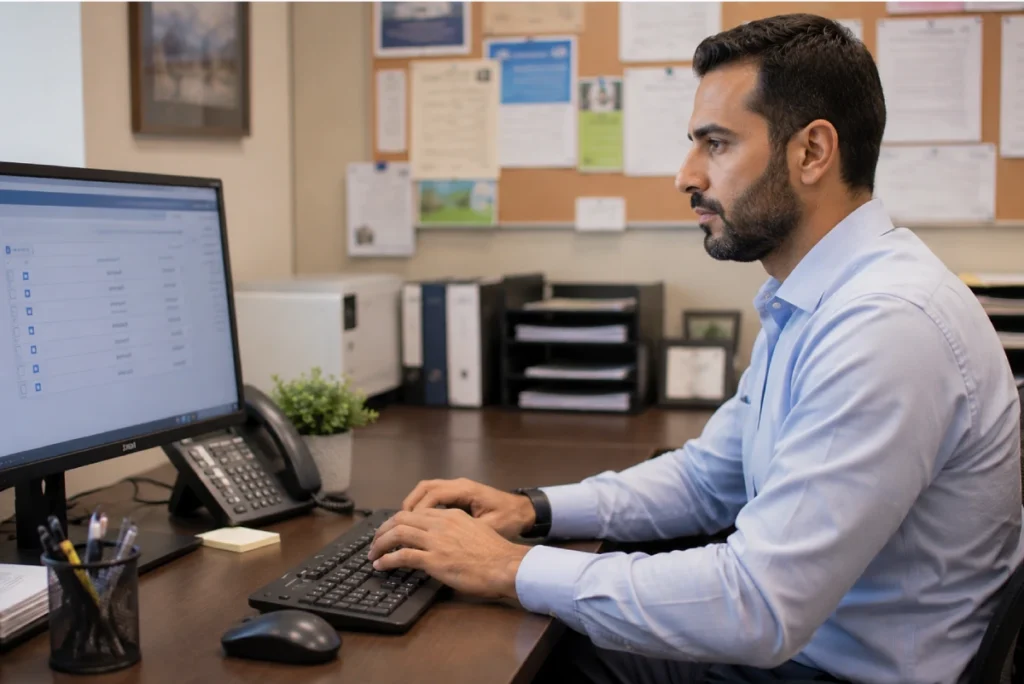
LTC Apps Staff Broadcasts is configured around the actual shift structures of each discipline in a skilled nursing facility rather than generic time slots that do not reflect how SNF teams actually work. Clinical staff have access to 13 shift options including non-standard and pull-up shifts. Front Desk staff have their two specific shift windows. Each discipline’s shift options match how that department operates so targeted broadcasts always reach the right people.
Discipline-specific broadcast configuration inside LTC Apps includes:
- Clinical staff: 13 shift options covering standard and non-standard shifts including pull-up shifts
- Front Desk: 2 shift options matching the standard Front Desk schedule (8am to 4pm and 4pm to 8pm)
- Housekeeping and Laundry: discipline-specific shift options matching their operational schedules
- Shift options are set per discipline so targeted broadcasts always reflect the real schedule structure of each department
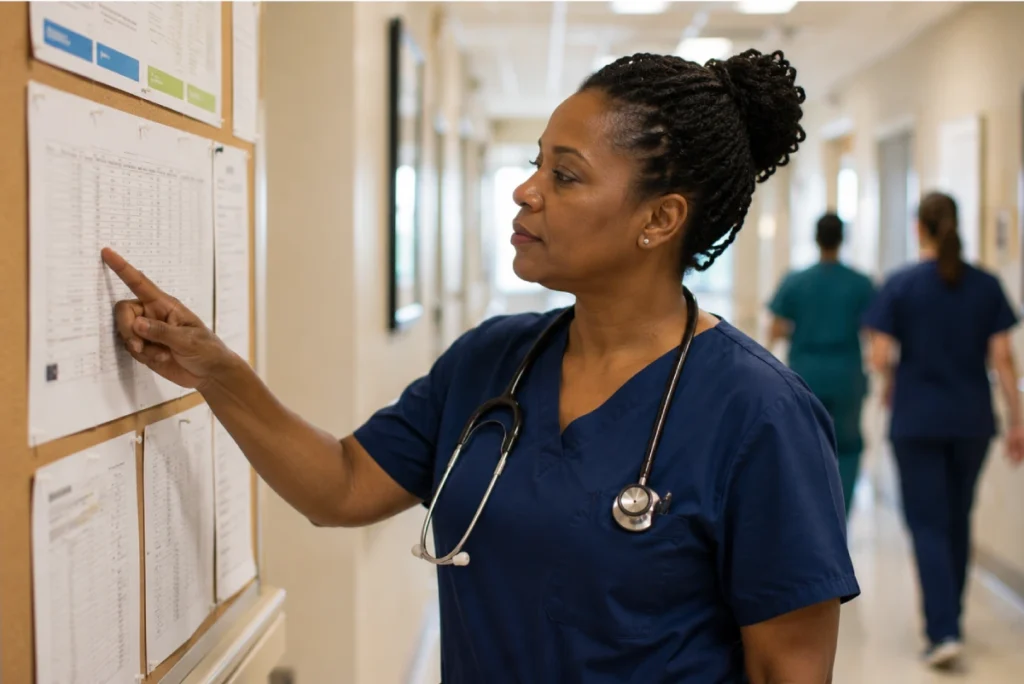
The Shift and Pay Period Broadcast ties every targeted broadcast to a specific pay period, not just a discipline and shift. This makes LTC Apps Staff Broadcasts particularly useful for payroll-context announcements that other communication tools cannot match. Overtime reminders, policy changes affecting the current pay cycle, or shift-filling requests that are specific to a particular two-week period can be sent to exactly the right group at exactly the right time in the schedule cycle.
Pay period context inside LTC Apps Staff Broadcasts includes:
- Every Shift Broadcast is tied to a specific pay period selected from the configured pay periods
- Pay periods are configured by discipline within the LTC Apps Scheduler module and are available in Staff Broadcasts automatically
- Broadcast history shows the pay period alongside discipline, shift, and message for complete context
- Allows payroll-context announcements that are relevant only to a specific two-week cycle without cluttering other pay periods

Every broadcast sent through LTC Apps is automatically logged and retained in the broadcast history. The Shift Broadcast log shows the pay period, discipline, shift, message, creation date, and status for every targeted broadcast. The General Broadcast log shows the message, creation date, and status for every facility-wide announcement. Administrators can filter by type and status and search for specific broadcasts when needed.
Broadcast history inside LTC Apps includes:
- Shift Broadcast log: Pay Period, Discipline, Shift, Message, Created Date, and Status for every targeted broadcast
- General Broadcast log: Message, Created Date, and Status for every facility-wide announcement
- Filter by broadcast type and status to find specific communications quickly
- Search capability for locating specific broadcast records when needed for review or documentation
- Automatic logging means no manual record-keeping is needed to maintain a history of staff communications

Target Specific Disciplines and Shifts Instead of Messaging Everyone Every Time
The fundamental problem with most staff communication in a skilled nursing facility is not that communication does not happen. It is that most communication tools treat every message as a facility-wide announcement even when the message is only relevant to part of the team. Group text threads become noise that staff members stop reading because most messages do not apply to them. When something important does come through, it gets buried.
LTC Apps staff messaging software for long term care separates targeted communication from general announcements. When the night shift CNA team needs to know about a coverage change on the current pay period, the Shift and Pay Period Broadcast reaches that group specifically. When a facility-wide policy update affects everyone, the General Broadcast reaches all staff with the option to deselect individuals who should not receive it. Staff members receive messages that are relevant to them and administrators have a logged record of every communication.
The pay period context built into the Shift Broadcast is a feature no general messaging app provides. Because Staff Broadcasts is connected to the same pay period structure as the LTC Apps Scheduler, administrators can send a broadcast that is tied to a specific two-week scheduling cycle. An overtime reminder for the current pay period reaches the right discipline on the right shift at the right point in the cycle without any manual filtering.
Who Uses LTC Apps Staff Broadcasts
LTC Apps Staff Broadcasts is used by three main groups inside skilled nursing facilities.
SNF Administrators who need to reach specific disciplines and shifts with targeted announcements without using group text threads or personal phones, want a logged record of every staff communication for documentation purposes, and need a way to send facility-wide announcements to all staff or selected individuals from the same platform they use for scheduling and operations

Directors of Nursing who need to communicate scheduling changes, coverage requests, and policy updates to specific nursing disciplines and shifts during a specific pay period without those messages reaching housekeeping, front desk, or other departments that the communication does not apply to

Charge Nurses and Scheduling Coordinators who need to send shift-specific announcements quickly when coverage situations arise and want a simple logged tool that does not require setting up a separate messaging application or managing contact lists outside of the LTC Apps platform

Whether your facility has 30 staff members or 300, LTC Apps Staff Broadcasts gives your administrators and charge nurses a focused communication tool that reaches the right people with the right message and keeps a complete logged record of every broadcast sent.
Get Started Today
with LTC Apps Staff Broadcasts request a free demo.
OUR SIMPLE STAFF BROADCASTS
How LTC Apps Staff Broadcasts Works in 4 Steps
Sending a staff broadcast inside LTC Apps follows four simple steps.
01. Choose Broadcast Type
Select Shift and Pay Period Broadcast for a targeted announcement to a specific discipline, shift, and pay period. Select General Broadcast for a facility-wide message to all staff or selected individuals.
02. Select Your Audience
For a Shift Broadcast: choose the discipline, pay period, and shift from the available options. For a General Broadcast: all staff are pre-selected with checkboxes and you deselect anyone who should not receive the message.
03. Write the Message
Enter the announcement in the free text message field. There is no character limit and no template required.
04. Save and Send
Click Save to send the broadcast to the selected group. The message is sent immediately and logged automatically with the creation date, audience, and status for your records.
Works Better Alongside These LTC Apps Modules
Staff Broadcasts connects naturally with other parts of the LTC Apps platform. Used together these modules give your administrators a complete staff management and communication workflow in one place.
Staff Scheduling
The pay periods and discipline structures configured in the LTC Apps Scheduler are the same ones used in Staff Broadcasts for targeted shift and pay period announcements. Publishing a new schedule and then notifying the relevant shift via Staff Broadcasts both happen inside the same platform without switching between separate tools
Human Resource Management
Every staff member added to LTC Apps HR is immediately available in Staff Broadcasts so your administrator can reach any staff member through the General Broadcast without managing a separate contact list or adding staff details to a messaging application
Admissions and Patient Intake
When a new resident is admitted and their arrival affects staffing on a specific floor or shift, administrators can send a targeted Staff Broadcast to the relevant discipline and shift directly from the platform where the admission was processed
Using these modules together means your scheduling, HR, admissions, and staff communication all run from the same platform. When a situation requires both a scheduling update and a staff announcement, both actions happen in the same system without switching between tools or managing separate contact lists.
BENEFITS & ANSWERS
Frequently Asked Questions About Staff Broadcasts
LTC Apps Staff Broadcasts is a one-way broadcast tool for skilled nursing facility administrators that provides two types of staff announcements. The Shift and Pay Period Broadcast targets a specific discipline, shift, and pay period so announcements reach only the staff members they are relevant to. The General Broadcast reaches all staff or selected individuals for facility-wide announcements. Every broadcast is automatically logged with the creation date, audience details, and status so there is always a record of what was sent.
No. LTC Apps Staff Broadcasts is a one-way broadcast tool for sending announcements from administrators to staff. It is not a two-way messaging system and does not include real-time chat, push notifications, or messaging threads. The tool is designed for one-way announcements including scheduling changes, policy updates, overtime reminders, and shift-specific communications that need to reach the right staff members and be logged for record-keeping.
Your administrator selects a primary discipline (CNA, Nursing, Housekeeping, Laundry, or Front Desk), a pay period from the configured pay periods, and a shift from the discipline-specific shift options. Clinical staff have 13 shift options covering standard and non-standard shifts. The administrator writes the message and saves it. The broadcast is sent to the staff members in the selected discipline who are assigned to the selected shift during the selected pay period, and it is logged automatically with all audience details.
Shift options in LTC Apps Staff Broadcasts are configured per discipline to match how each department actually operates. Clinical staff have access to 13 shift options including non-standard and pull-up shifts. Front Desk staff have two shift options matching the standard Front Desk schedule. Housekeeping and Laundry have their own discipline-specific shift options. This means targeted broadcasts always reflect the real shift structure of each department rather than using generic time slots.
Yes. Both broadcast types maintain automatic logs. The Shift Broadcast log shows the Pay Period, Discipline, Shift, Message, Created Date, and Status for every targeted broadcast. The General Broadcast log shows the Message, Created Date, and Status for every facility-wide announcement. Both logs can be filtered by type and status and searched for specific records. No manual record-keeping is needed to maintain a history of staff communications.
No. Staff Broadcasts is a native module inside LTC Apps accessible from the same login your administrators and charge nurses use for scheduling, admissions, HR, and all other modules. Staff members added to LTC Apps HR are automatically available in Staff Broadcasts for General Broadcasts without any additional setup. Pay periods configured in the Scheduler are automatically available in Staff Broadcasts for Shift Broadcasts.
CONTACT US NOW
See How LTC Apps Handles Staff Broadcasts for Your SNF
Group text threads, break room bulletin boards, and phone calls between shifts are not reliable or logged ways to communicate with your SNF staff. LTC Apps gives your administrators and charge nurses staff broadcast software built for how skilled nursing facilities actually operate, with targeted broadcasts by discipline, shift, and pay period for specific announcements and a general broadcast for facility-wide communications. Every broadcast is logged automatically with audience details and status so there is always a record of what was sent to whom and when. All of it runs inside the same platform your team uses for scheduling, admissions, eligibility verification, and HR.

Book a free demo today and see how LTC Apps can improve staff communication for your skilled nursing facility.