
Maintenance Management Software for Skilled Nursing Facilities

Maintenance in a skilled nursing facility is not just about fixing things when they break. It is about tracking every repair request before it becomes a citation, scheduling preventive work before it becomes an emergency, and having organized vendor and contract records ready when a surveyor asks. LTC Apps gives your facility a complete maintenance management system for work orders, preventive maintenance, vendor management, and audit-ready reporting all in one platform.
Maintenance management software for skilled nursing facilities helps facility managers and administrators track work orders from creation to completion, schedule and document preventive maintenance tasks, manage vendor contracts and service agreements, and generate PDF or Excel reports for regulatory inspections and audits. LTC Apps Maintenance is a native module built directly into the LTC Apps platform. Facility managers can create and track work orders across four status categories, view all preventive maintenance activity on a monthly calendar, log completed maintenance visits, manage vendor records with contract expiration dates, and download detailed reports for surveys and audits without leaving the platform they use for admissions, scheduling, and HR.
Download Brochure
Download Now to learn more about how LTC Apps can transform your operations and help you focus on what matters most caring for your residents.
Our Services
What Happens When SNF Maintenance Runs Without a Tracking System
Maintenance in a skilled nursing facility operates across two very different tracks. Reactive maintenance is everything that breaks and needs to be fixed. A leaking pipe, a broken call light, a malfunctioning HVAC unit. These come in at unpredictable times and need to be addressed quickly. Preventive maintenance is everything that needs to happen on a schedule to prevent breakdowns. HVAC filter replacements, elevator inspections, generator testing, fire suppression checks. These are known in advance and need to be documented as completed.
Most skilled nursing facilities manage both tracks through a combination of paper work order forms, personal calendars, and informal vendor relationships tracked in someone’s email. When a state surveyor asks for maintenance records during an inspection, the administrator spends time pulling together documents from multiple sources that should have been in one organized system all along. When a vendor’s contract expires without anyone noticing, the facility continues operating under a lapsed agreement that creates liability exposure. When a work order submitted two weeks ago has no documented status, nobody can tell the surveyor whether the issue was resolved.
Long term care facility maintenance software that tracks both reactive work orders and scheduled preventive maintenance in one system, with vendor records and report generation built in, gives your facility manager and administrator the organized maintenance record that surveys require and that paper systems cannot reliably produce.
Key Features of Our
Maintenance Management Works
LTC Apps gives your facility manager a complete work order system for logging, tracking, and resolving maintenance requests. Every work order is created with Add New Work Order and immediately appears in the work order list with a Pending status. As the work progresses, the status updates through four categories so anyone with access can see exactly where each request stands without asking the maintenance team directly.
Nursing home work order software inside LTC Apps includes:
- Summary View showing work order counts by employee and date for the latest 7 days
- Four status categories: Pending, In-Process, Rejected, and Completed
- List View with a detailed table of all individual work orders and their current status
- Add New Work Order to create a maintenance request immediately when an issue is identified
- Complete work order history available for inspection documentation and survey preparation

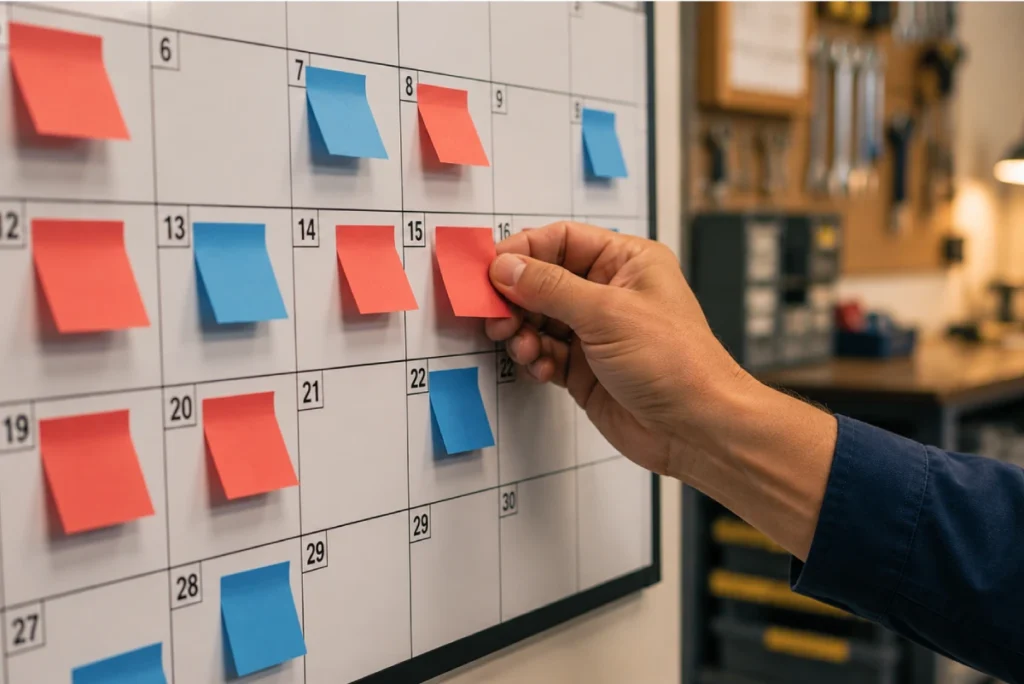
Preventive maintenance in a skilled nursing facility follows a schedule. HVAC filters, fire suppression systems, elevator inspections, generator tests all happen at defined intervals and all need to be documented as completed. LTC Apps gives your facility manager a monthly calendar view of all scheduled maintenance activity with color-coded indicators that show at a glance which tasks are pending and which have been completed and logged.
SNF preventive maintenance software inside LTC Apps includes:
- Monthly calendar view with red Pending badges and blue Completed Visit badges for each day
- Task List tab showing all maintenance tasks in a structured list for planning and review
- Visit List tab with a complete history of all maintenance visits performed and logged
- Add New Visit to log a completed maintenance visit with full documentation
- Visual monthly overview that shows the entire month’s maintenance status without searching through individual records
Skilled nursing facilities work with multiple external contractors and service providers. HVAC companies, elevator maintenance firms, pest control services, fire suppression contractors each with their own agreement, service scope, payment terms, and contract expiration date. LTC Apps stores all of that in one organized vendor table so your administrator can see contract expiration dates at a glance and manage vendor relationships without digging through paper files or email threads.
SNF vendor management software inside LTC Apps includes:
- Vendor table showing Vendor Name, Agreement, Contract Expiration, Payment Frequency, and Function or Service for every contractor
- Contract expiration dates visible at a glance for renewal planning before agreements lapse
- Add New Vendor to create a complete vendor record with all contract and service details
- Organized vendor history available for survey documentation and contract management reviews

When a regulatory inspector asks for maintenance documentation or when your administrator needs to review maintenance activity across a specific period, LTC Apps generates complete maintenance reports on demand. The Detail Report PDF covers full maintenance activity in a format suitable for regulatory inspections. The Summary Report Excel provides an exportable summary for administrative review and internal reporting.
Maintenance reporting inside LTC Apps includes:
- Detail Report PDF covering complete maintenance activity for audits and regulatory inspections
- Summary Report Excel providing an exportable summary for administrative and management review
- Both report formats available directly from the Periodic Maintenance section without additional setup
- No manual compilation required to produce maintenance documentation for any review period
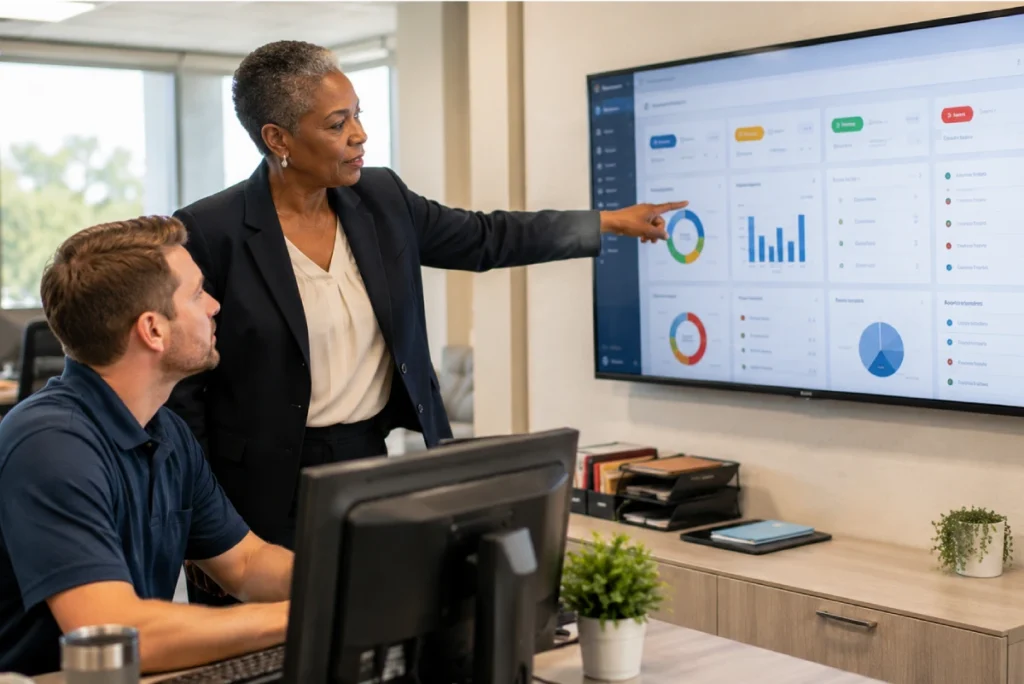
LTC Apps gives administrators a maintenance overview directly on the main platform dashboard without navigating into the maintenance module. Two dashboard widgets provide at-a-glance visibility into pending maintenance tasks and open work orders so administrators know the current state of facility maintenance every time they open LTC Apps.
Dashboard visibility inside LTC Apps includes:
- Maintenance Due widget showing Daily, Weekly, and Monthly pending task counts at a glance
- Work Orders widget showing total pending work orders and overdue work orders older than one day
- Both widgets link directly to their respective maintenance sections for immediate access
- Administrators see maintenance status alongside admissions, scheduling, and other operational data from one dashboard
Stop Managing Work Orders and Scheduled Maintenance in Two Different Places
The most common maintenance management problem in a skilled nursing facility is not that repairs are not happening. It is that the record of what happened does not exist in one organized place. Work orders get submitted verbally or on paper and never logged. Preventive maintenance visits happen but the documentation of when they occurred and what was done gets filed in a binder that nobody can find when a surveyor asks for it. Vendor contracts expire without anyone flagging the renewal date.
LTC Apps facility maintenance tracking for SNFs brings both tracks into one system. The facility manager creates work orders when issues arise and they are tracked through four status categories from creation to completion. Preventive maintenance tasks appear on a monthly calendar and completed visits are logged with a timestamp and full documentation. Vendor contracts are in the vendor table with expiration dates visible before they lapse. When a surveyor asks for maintenance documentation, the administrator generates the PDF report in seconds.
The dashboard widgets mean administrators do not have to go looking for maintenance status. Daily, weekly, and monthly pending task counts are visible on the main platform dashboard every time the administrator logs in alongside their admissions, scheduling, and eligibility data. That visibility is what allows a problem to be caught at the maintenance level before it becomes a survey citation.
Who Uses LTC Apps Maintenance Management
LTC Apps maintenance management is used by three main groups inside skilled nursing facilities.
Facility Managers and Maintenance Directors who need nursing home maintenance management systems that track every work order from creation to resolution, keep the preventive maintenance schedule organized on a visual calendar, and produce the documentation needed for regulatory inspections without manual report compilation

SNF Administrators who want real-time visibility into open work orders and pending maintenance tasks from their main dashboard, need organized vendor contract records with expiration dates visible before agreements lapse, and require audit-ready PDF and Excel maintenance reports available on demand for surveys and inspections

Multi-Facility Groups who need consistent maintenance tracking across all their buildings with centralized vendor management and report generation from the same platform they use for admissions, scheduling, and HR across all locations

Whether your facility has a dedicated maintenance team or relies primarily on external contractors, LTC Apps gives your facility manager and administrator a maintenance system that produces organized, defensible records for every repair request, preventive task, and vendor relationship.
Get Started Today
with LTC Apps Maintenance request a free demo.
OUR SIMPLE MAINTENANCE MANAGEMENT PROCESS
How LTC Apps Maintenance Management Works in 4 Steps
Managing facility maintenance inside LTC Apps follows four clear steps.
01. Create Work Orders
Log maintenance issues immediately using Add New Work Order. The request appears in the work order list with Pending status and is tracked through In-Process, Rejected, or Completed as the repair progresses.
02. Schedule and Log Preventive Maintenance
Use the Periodic Maintenance calendar to track scheduled maintenance tasks by month. Log completed maintenance visits using Add New Visit so every preventive task has a documented completion record.
03. Manage Vendors
Review all active contractors in the vendor table with contract expiration dates visible at a glance. Add new vendor records and update existing ones as agreements change or new contractors are added.
04. Generate Reports
Download a PDF Detail Report for regulatory inspections and surveys or an Excel Summary for administrative and management reviews. Both formats are available directly from the Periodic Maintenance section on demand.
Works Better Alongside These LTC Apps Modules
Maintenance Management connects naturally with other parts of the LTC Apps platform. Used together these modules give your facility a complete operational picture in one place.
Order and Inventory Management
Maintenance supply orders for facility upkeep are tracked alongside clinical and office supply orders in the Orders module so your administrator has a complete picture of all facility procurement from one platform
Staff Broadcasts
When a maintenance issue affects resident areas or facility operations, Staff Broadcasts allows the administrator or facility manager to notify all relevant staff instantly from the same platform without making phone calls or sending separate messages
Human Resource Management
Vendor contractor records in Maintenance and staff records in HR are managed from the same platform so administrators have a complete view of both internal staff and external contractor relationships without switching between separate systems
Using these modules together means your facility manager and administrator handle work orders, supply procurement, vendor management, and staff communication from the same platform their team uses for admissions, scheduling, and eligibility verification.
BENEFITS & ANSWERS
Frequently Asked Questions About Maintenance Management
LTC Apps Maintenance Management includes a work order tracking system with four status categories (Pending, In-Process, Rejected, Completed), a monthly preventive maintenance calendar with Task List and Visit List tabs, vendor management with contract expiration tracking, PDF and Excel report generation for audits and inspections, and dashboard widgets showing daily, weekly, and monthly pending maintenance counts. All of this is accessible from the same login your team uses for admissions, scheduling, and HR.
Your facility manager creates a work order using Add New Work Order when a maintenance issue is identified. The request immediately appears in the work order list with Pending status. As the work progresses, the status updates through four categories: Pending, In-Process, Rejected, or Completed. A Summary View shows work order counts by employee and date for the latest 7 days. The List View shows all individual work orders and their current status for documentation and survey preparation.
LTC Apps shows all scheduled maintenance activity on a monthly calendar with color-coded badges. Red badges indicate Pending tasks and blue badges indicate Completed Visits for each day of the month. The Task List tab shows all maintenance tasks in a structured list for planning. The Visit List tab provides a complete history of all maintenance visits logged. Completed visits are logged using Add New Visit which creates a documented record of when each preventive task was completed.
LTC Apps stores all external contractor and service provider information in a vendor table showing Vendor Name, Agreement type, Contract Expiration date, Payment Frequency, and Function or Service. Contract expiration dates are visible at a glance so your administrator can plan renewals before agreements lapse. New vendors are added using Add New Vendor and existing records can be updated as contract terms change.
LTC Apps generates two maintenance report formats on demand. The PDF Detail Report covers complete maintenance activity including work orders and preventive maintenance visits in a format suitable for regulatory inspections and survey documentation. The Excel Summary Report provides an exportable summary for administrative and management review. Both formats are available directly from the Periodic Maintenance section without any additional setup or manual compilation.
No. Maintenance Management is a native module inside LTC Apps accessible from the same login your facility manager and administrators use for all other modules. Dashboard widgets showing pending maintenance counts and open work orders are visible on the main LTC Apps dashboard so administrators see maintenance status alongside admissions, scheduling, and operational data every time they log in.
CONTACT US NOW
See How LTC Apps Handles Maintenance Management for Your SNF
Managing facility maintenance through paper work orders, personal calendars, and email vendor communications creates exactly the kind of documentation gaps that show up during regulatory inspections. LTC Apps gives your skilled nursing facility maintenance management software that tracks every work order from creation to completion, keeps preventive maintenance on a visual monthly calendar, stores vendor contracts with expiration dates visible before they lapse, and generates audit-ready PDF and Excel reports on demand. All of it runs inside the same platform your team uses for admissions, scheduling, eligibility verification, and HR.

Book a free demo today and see how LTC Apps can organize maintenance management for your skilled nursing facility.