
Resident Appointment Scheduling for Skilled Nursing Facilities

Tracking dialysis runs, specialist visits, wound clinic appointments, and every other off-site medical appointment across your entire resident census on a paper log creates gaps that cost residents missed appointments and coordinators wasted hours. LTC Apps gives skilled nursing facilities a shared appointment calendar where every resident appointment is visible, filterable, and exportable by the entire care team.
Resident appointment scheduling software for skilled nursing facilities helps administrators and nursing staff track every off-site medical appointment for every resident in one shared calendar, schedule recurring appointments without re-entering them manually each week, and export appointment reports for coordination and documentation. LTC Apps Resident Appointment Scheduling is a native module built directly into the LTC Apps platform. Care coordinators can schedule one-time or recurring appointments across 50+ pre-configured medical appointment types, view all appointments on a shared monthly or weekly calendar, flag CNA attendance requirements at the time of scheduling, and download appointment reports in Excel or PDF. It is nursing home medical appointment scheduling software that gives your entire care team visibility into every resident’s upcoming appointments without spreadsheets or paper logs.
Download Brochure
Download Now to learn more about how LTC Apps can transform your operations and help you focus on what matters most caring for your residents.
Our Services
What Happens When SNF Resident Appointments Are Managed on Paper
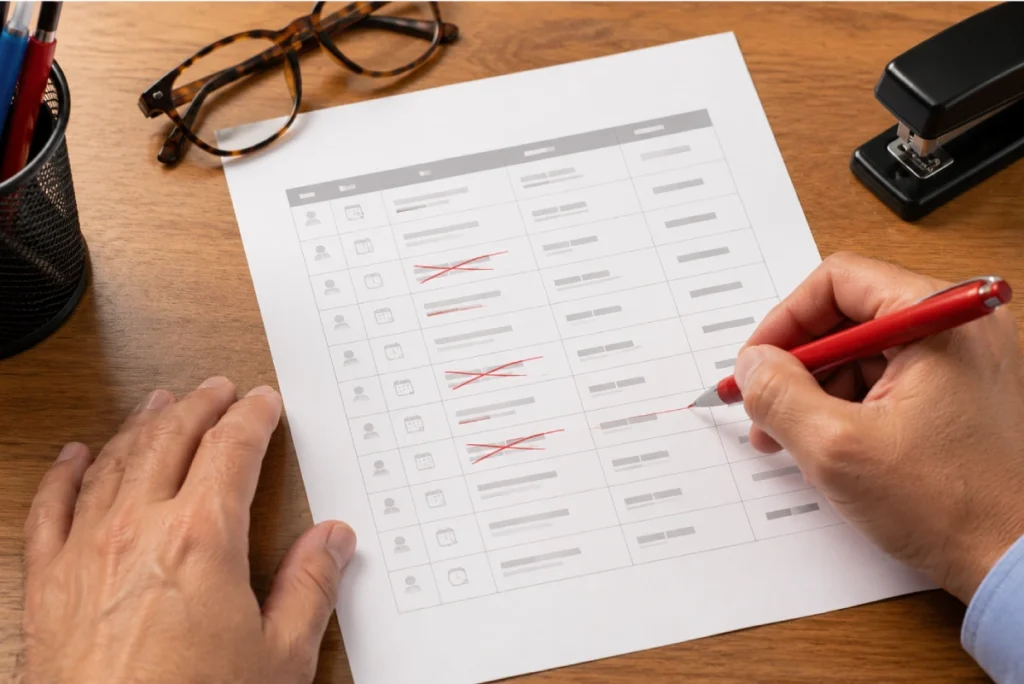
A skilled nursing facility with 80 residents might have 30 to 50 off-site medical appointments scheduled in any given week. Dialysis runs three times a week for multiple residents. Wound clinic visits happen weekly. Specialist appointments for cardiology, oncology, podiatry, and audiology are scheduled at different frequencies for different residents. Managing all of that on a paper log or a shared spreadsheet means someone is always working from incomplete information.
The problems that come from disorganized SNF resident appointment tracking are predictable. A transport is not arranged because the appointment was not logged in the right place. A CNA does not know she needs to accompany a resident because that was written on a different sheet. A dialysis appointment recurs every Monday but someone has to re-enter it manually each week because the paper log does not carry forward. During a family call, the administrator cannot quickly tell a family member when their loved one’s next cardiology appointment is because the information is across three different places.
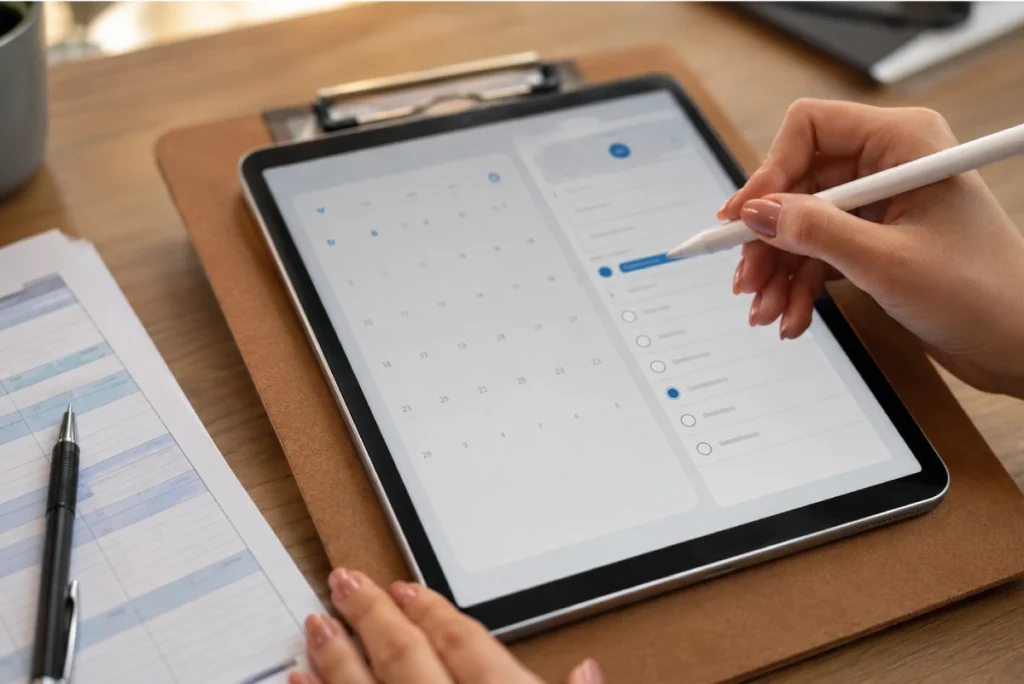
Off-site appointment scheduling for SNFs that puts every appointment on a shared calendar changes how your care team coordinates. The transport coordinator sees what is scheduled for the week. The nursing team knows which residents need CNA accompaniment. The administrator can pull up any resident’s upcoming appointments in seconds. Recurring appointments appear automatically without anyone re-entering them.
Key Features of Our Resident Appointment Scheduling
Every resident appointment appears on a shared monthly or weekly calendar that the entire care team can see. Each calendar entry shows the resident name, doctor or facility name, and room number so anyone viewing the calendar has the context they need without clicking into individual records.
The resident appointment calendar for nursing homes inside LTC Apps includes:
- Monthly and weekly calendar views with one-click toggle between them
- Each appointment shows Resident Name, Doctor or Facility Name, and Room Number
- Navigate by Previous and Next arrows or jump directly to Today
- Download Appointment button on the calendar view for quick report export
- Add New Appointment button directly from the calendar without navigating to a separate screen

Weekly dialysis, monthly cardiology check-ups, and regular wound clinic visits do not need to be entered manually every time they occur. LTC Apps lets your coordinator schedule a recurring appointment once, set the recurrence frequency and end date, and the full series appears on the calendar automatically without any additional entries.
Recurring appointment scheduling for skilled nursing facilities inside LTC Apps includes:
- Repetition options: One Time, Daily, Weekly, or Monthly
- End Date required for recurring appointments to control the duration of the series
- CNA Attendance flag per appointment Yes or No set at the time of scheduling
- Full recurring series appears on the calendar automatically for the entire duration without manual re-entry
LTC Apps comes pre-configured with over 50 appointment types covering the full range of specialist visits and medical appointments that skilled nursing facility residents need. Your coordinator selects the appointment type from a searchable dropdown rather than typing it manually each time, keeping appointment records consistent and filterable across the entire census.
SNF appointment type coverage inside LTC Apps includes:
- 50+ pre-configured appointment types covering Dialysis, Wound Clinic, Cardiology, Oncology, Podiatry, and many more
- Searchable dropdown to find the right appointment category quickly without scrolling through the full list
- Add New button to create custom appointment types if a specific specialist or visit type is not in the pre-configured list
- Consistent appointment type records across all residents enable filtered reporting by appointment category

Switch from the calendar view to List View for a structured table of all appointments within a selected date range. The list view is designed for coordination meetings, transport planning, and reporting where a calendar visual is less useful than a downloadable table your team can share or file.
Appointment list view and export inside LTC Apps includes:
- Columns: Resident Name, Room Number, Appointment Type, Doctor or Facility Name, Doctor Phone and Address, Nurse, and Appointment Date
- Date range filter to set precise reporting windows for any period your team needs
- Download to Excel for transport coordination, staffing, and administrative reporting
- Download to PDF for documentation, family communication, or filing
For facilities managing large appointment volumes, LTC Apps provides filtering and bulk management tools so your coordinator can find and clean up appointment records efficiently. When appointments are cancelled or a recurring series ends early, records can be removed cleanly without affecting other appointments.
Appointment record management inside LTC Apps includes:
- Three filters for quick record lookup: Room Number, Doctor or Facility Name, and Appointment Type
- Checkbox selection for choosing multiple appointments at once for bulk actions
- Delete selected appointments to remove cancelled entries or ended recurring series cleanly
- Useful for keeping the appointment calendar accurate when plans change or recurring series are modified
Every Appointment Visible to Everyone Who Needs to Know
The core problem with managing resident appointments on paper or in a personal spreadsheet is that the information lives with one person. When the coordinator who maintains the appointment log is not available, nobody else knows what is scheduled for the week. The transport driver does not know which residents need pickup. The charge nurse does not know which residents need CNA accompaniment. The family calling to ask about their mother’s next dialysis appointment gets put on hold while someone tries to find the log.
LTC Apps SNF appointment management software gives every member of your care team access to the same appointment calendar. The coordinator schedules appointments once. The nursing team sees CNA attendance flags immediately. The administrator can look up any resident’s upcoming appointments in seconds from the same platform they use for admissions and eligibility verification. Transport planning uses the same calendar without a separate handoff.
Recurring appointments for weekly dialysis or monthly specialist visits are set up once with a recurrence frequency and end date. The full series appears on the calendar without anyone re-entering it each week. When an appointment is cancelled or rescheduled, one update changes the calendar for everyone immediately. That is what off-site appointment scheduling for SNFs looks like when it is built into an operations platform rather than maintained as a separate document.
Who Uses LTC Apps Resident Appointment Scheduling
LTC Apps resident appointment scheduling is used by three main groups inside skilled nursing facilities.
Care Coordinators and Social Workers who schedule and track off-site medical appointments for the entire resident census and need resident appointment scheduling software for skilled nursing facilities that handles recurring appointments automatically, keeps the calendar current, and generates exportable reports for transport and staffing coordination

Directors of Nursing and Charge Nurses who need to know which residents have off-site appointments on any given day, which appointments require CNA accompaniment, and which recurring appointments are coming up so nursing coverage can be planned without scrambling for information at the last minute

SNF Administrators who want the care coordination team to have a shared, organized appointment system that reduces missed appointments, simplifies transport planning, and gives families accurate information about upcoming medical visits without requiring the administrator to track down records from multiple sources

Whether your facility schedules 10 off-site appointments per week or 100, LTC Apps gives your care team one shared calendar that handles the full complexity of SNF resident appointment management without spreadsheets, paper logs, or manual re-entry of recurring visits.
Get Started Today
with LTC Apps Resident Appointment Scheduling request a free demo.
Our simple Resident Appointment Scheduling Process
How LTC Apps Resident Appointment Scheduling Works in 4 Steps
Scheduling and managing resident appointments in LTC Apps follows four straightforward steps.
01. Add Appointment
Enter the appointment date, time, resident name, room number, doctor or facility name, appointment type from the 50+ pre-configured list, and CNA attendance flag. All fields are in one form without navigating between screens.
02. Set Recurrence
Choose One Time, Daily, Weekly, or Monthly recurrence and set an end date for recurring series. The full appointment series is scheduled automatically and appears on the shared calendar for the entire duration.
03. View Calendar
All appointments are visible on the shared monthly or weekly calendar. Every team member with access sees the same calendar with resident name, doctor or facility, and room number for each entry.
04. Export
Switch to List View, set your date range, and download to Excel for transport and staffing coordination or PDF for documentation and filing. The appointment report reflects the current calendar accurately.
Works Better Alongside These LTC Apps Modules
Resident Appointment Scheduling connects naturally with other parts of the LTC Apps platform. Used together these modules give your care team a complete resident management workflow in one place.
Admissions and Patient Intake
Residents admitted through the LTC Apps admissions module are immediately available in the appointment scheduling system so coordinators can begin scheduling off-site appointments from the day a resident arrives without re-entering resident information
Human Resource Management
Staff records in HR are available in the appointment scheduling module so CNA accompaniment assignments can be tracked against the staff members who are actually on duty without cross-referencing a separate HR system
Staff Scheduling
The two-week staff scheduling module manages shift assignments across all disciplines. When CNA accompaniment is flagged on a resident appointment, the scheduling team can verify CNA availability using the staff scheduling module without checking a separate system
Using these modules together means your care team moves from admission to appointment scheduling to CNA coordination inside the same platform without pulling information from separate tools or maintaining duplicate records across systems.
BENEFITS & ANSWERS
Frequently Asked Questions About Admissions
Resident appointment scheduling software for skilled nursing facilities helps care coordinators and nursing staff track every off-site medical appointment for every resident in one shared calendar, schedule recurring appointments automatically, flag CNA accompaniment requirements, and export appointment reports for transport and staffing coordination. LTC Apps includes a native resident appointment scheduling module with 50+ pre-configured appointment types, monthly and weekly calendar views, recurring appointment scheduling, and Excel or PDF export built into the same platform the facility uses for admissions, eligibility verification, and HR.
When scheduling a recurring appointment such as weekly dialysis or monthly cardiology visits, your coordinator selects the recurrence frequency from One Time, Daily, Weekly, or Monthly options and sets an end date for the series. LTC Apps schedules the full series automatically and all appointments appear on the shared calendar for the entire duration without anyone re-entering them each week. When a recurring series needs to be modified or ended early, appointments can be removed using the bulk management tools.
LTC Apps comes pre-configured with over 50 medical appointment types covering the full range of specialist visits that skilled nursing facility residents commonly need. These include Dialysis, Wound Clinic, Cardiology, Oncology, Podiatry, and many more. Appointment types are available in a searchable dropdown so coordinators can find the right category quickly. Custom appointment types can be added using the Add New button for any specialist or visit type not included in the pre-configured list.
Yes. LTC Apps List View provides a structured table of all appointments within a selected date range with columns for Resident Name, Room Number, Appointment Type, Doctor or Facility Name, Doctor Phone and Address, Nurse, and Appointment Date. The table can be downloaded to Excel for transport planning, staffing coordination, and administrative reporting, or downloaded to PDF for documentation and filing. The date range filter lets your team generate reports for any period they need.
When scheduling any appointment in LTC Apps, there is a CNA Attendance field where the coordinator selects Yes or No to indicate whether a CNA needs to accompany the resident to the appointment. This flag is set at the time of scheduling and is visible in the appointment record and list view export so nursing supervisors and scheduling coordinators can plan CNA coverage for off-site accompaniment without a separate tracking system.
No. Resident Appointment Scheduling is a native module inside LTC Apps. Your care coordinators, nursing staff, and administrators access it with the same login they use for admissions, eligibility verification, scheduling, and all other modules. There is no separate calendar application to manage and no file to export between systems. All appointment records are inside the same platform your facility already uses.
CONTACT US NOW
See How LTC Apps Handles Resident Appointment Scheduling
Managing off-site medical appointments across a skilled nursing facility on paper logs and spreadsheets creates the kind of coordination gaps that lead to missed appointments, scrambled transport, and families who cannot get accurate information about upcoming visits. LTC Apps gives your care team resident appointment scheduling software that puts every appointment on one shared calendar, handles recurring visits automatically, flags CNA accompaniment requirements at the point of scheduling, and generates exportable reports in Excel or PDF when your team needs them. All of it runs inside the same platform your facility uses for admissions, eligibility verification, HR, and scheduling.

Book a free demo today and see how LTC Apps can simplify resident appointment management for your skilled nursing facility.